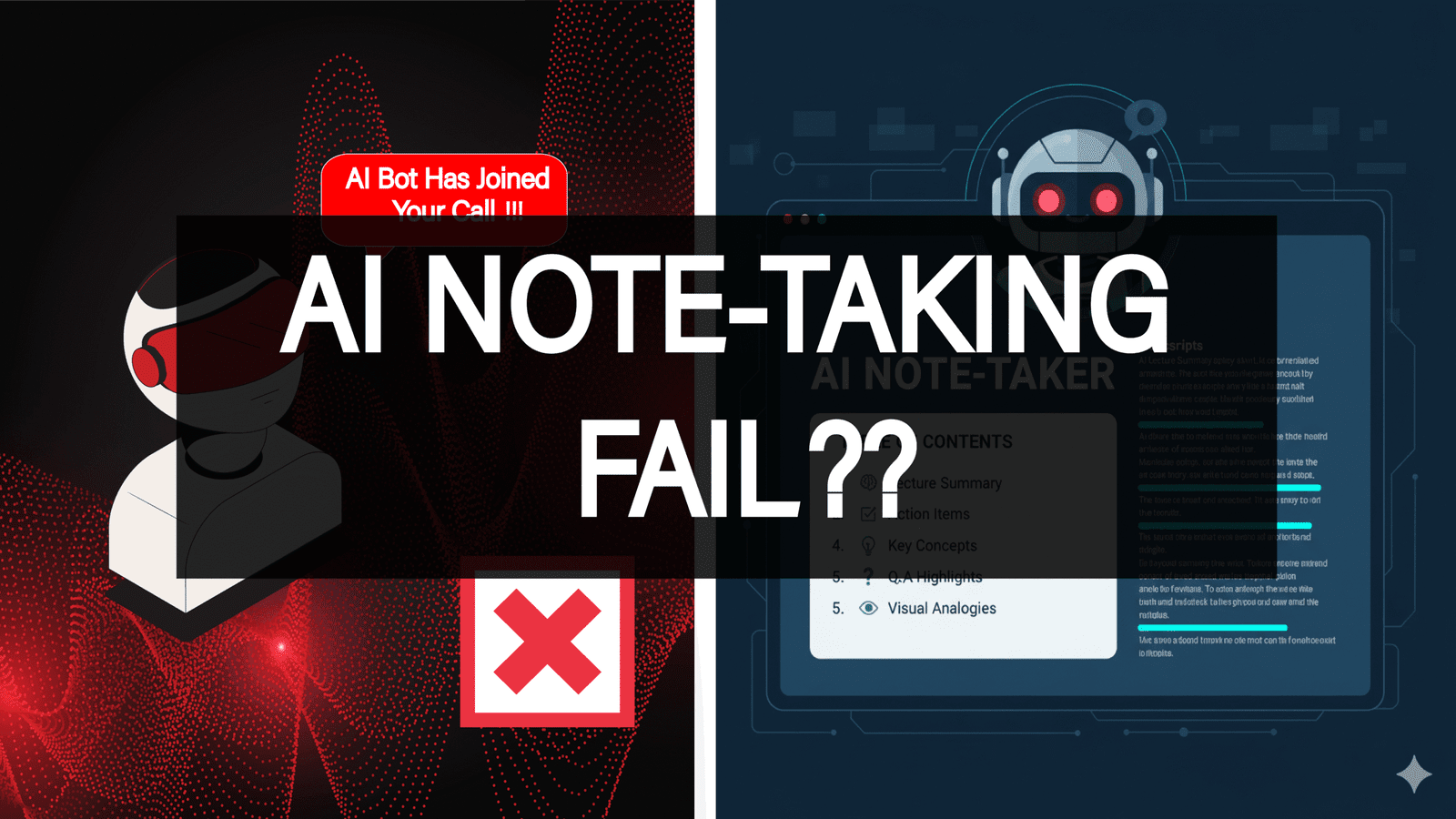
Why Standard AI Note-Taking Fails ?

Let’s be honest: finding an AI note-taker that actually helps rather than harasses feels almost impossible. The frustration is real, you try a new tool hoping for structured notes, but what do you get?
The Spy Bot: A tool that demands to join your most sensitive meetings. As one user put it: “Otter bot randomly joins my calls, not cool.” The privacy invasiveness of tools that automatically join calls and upload to the cloud is a constant concern.
The Garbage Summary: You spend an hour in a meeting only to receive a summary that is “not useful beyond the transcript.” Many tools simply paraphrase the raw text instead of extracting real insights or actionable items.
The Accent Barrier: If you or your colleagues have anything other than a generic American or British accent, the transcription quality plummets. Most AI models still fail with Indian, Chinese, or African accents, a major systemic issue.
We hear you. That’s why we filtered the field to find tools that prioritize your control, your privacy, and your ability to be understood.
Example of a user experience: “Otter bot randomly joins my calls, not cool.”
Why Is AI Note-Taking Essential in 2025?
Whether you are a student or a professor, you’re missing out on valuable time and efficiency in studying or tutoring if you’re not using an AI note-taker. It’s simply essential in 2025 for navigating fast lectures, online resources, and exam preparation.
What Students Use AI Note-Takers For ?

Through research into how people and students use AI note-takers, it’s clear that these tools make learning faster and more intuitive. They help you digest knowledge by structuring information clearly. AI models can break down a general topic into multiple subtopics, allowing you to approach each separately instead of trying to grasp everything at once.
Another example many have noticed when using generative AI is its ability to create comparison tables that make a huge difference in understanding concepts. AI models are also great at visualizing information, many users have experienced how helpful visual analogies from AI can be.
AI also promotes active learning. Instead of passively reading content, you can treat the AI notetaker as a professor, ask it questions, dive deeper into details, and truly understand the subject.
AI note-takers are also extremely useful for long-term memorization. They act as external drives that retain structured information, allowing you to revisit it anytime. A tool like Notion AI, for instance, can adapt to your preferred memorization method and organize information accordingly.
Pro Tip: An AI note-taker can help you build your own knowledge database to later craft blog posts, YouTube videos, or code notebooks, content you can publish and share with your community.
Methodology: How I Selected the Best AI Note-Taking Tools
Our selection process wasn’t based on marketing claims but on user feedback, technical specifications, and security audits. We analyzed dozens of tools based on three critical user-centric requirements to ensure our recommendations go beyond “just getting a transcript.”
Priority 1: Data Sovereignty and Privacy
The primary filter was user control. Users consistently flag tools that automatically join calls (like the problematic “Otter bot”) or permanently store sensitive data in the cloud as intrusive or non-compliant.
We prioritized tools based on the following criteria:
- Local/Offline Functionality: Does the data stay on your machine? (e.g., Granola, Hyprnote, Obsidian, Joplin)
- Explicit Privacy Guarantees: Tools like Jamie were prioritized for deleting audio after transcription and not storing data on third-party servers.
- Open Source/Encryption: Tools offering self-hosting and end-to-end encryption (Joplin).
Priority 2: Unwavering Accuracy and Clarity
Generic transcription quality isn’t enough, especially when models fail with diverse accents such as Indian, Chinese, or African.
We prioritized tools demonstrating strong performance in complex audio environments:
- Accent Handling: Tools noted for high accuracy across multiple languages (Sonix, Notta, Speechmatics).
- Speaker Separation (Diarization): Identifying multiple speakers accurately is crucial for searchability (Krisp, Vomo AI, Tactiq).
- Flexibility: Support for manual audio uploads (Jamie, Sonix, Notta, Granola).
Priority 3: Genuine Insights, Not Paraphrasing
Many tools produce weak summaries that simply restate transcripts. We focused on tools offering fast automation, actionable items, and structured output. Those with cross-platform support and deep integrations (Notion, Slack, etc.) scored higher for minimizing “storage lock-in.”
Privacy Problem Solution Tools
If privacy is your top priority, and for sensitive client or medical work, it must be, avoid mandatory cloud storage. We found several tools designed specifically to keep your data contained:
- Joplin & Obsidian: The gold standard for control. Joplin is fully open-source and supports end-to-end encryption (E2EE) and self-hosted sync. Obsidian keeps your notes local, using community plugins for AI features so your data never leaves your device.
- Jamie: Privacy-first design with no meeting bots. Data is deleted after transcription, and audio is never stored on third-party servers.
- Hyprnote: Performs local processing only, ensuring sensitive data never leaves your device, HIPAA and GDPR compliant.
Best and Most Used AI Note-Takers
- NotebookLM (Google): Built on Gemini; transforms readings and recordings into summaries, audio overviews, quizzes, and flashcards, making it a complete study companion.
Con: Advanced features tied to paid tiers; limited support for handwriting. - Notion AI: Combines productivity with smart note-taking as an all-in-one workspace for lectures, projects, and tasks. Offers AI summarization, writing, and research modes.
Con: Full AI features require Business or Enterprise plans; not built for live audio transcription. - Otter.ai: Excellent real-time transcription for lectures and meetings, creating searchable transcripts with summaries and speaker identification.
Con: Free tier time limits; lacks advanced study features. - MeetGeek: Designed for meeting transcription and summaries; works well for recorded lectures and produces clear bullet-point notes.
Con: Built for business first, not optimized for education. - PolarNotes AI: A leading note-taker for students and teachers, organizing lectures, slides, and documents into outlines, flashcards, and interactive quizzes.
Con: Focused primarily on educational use. - Evernote AI: Enhances classic note-taking with AI summarization and editing for typed notes, web clippings, and PDFs.
Con: Limited audio/handwriting support; restricted free tier. - Coconote: Built for student workflows; converts lectures into organized notes, flashcards, and quizzes.
Con: Fewer integrations; accuracy varies by recording quality. - Goodnotes 6 (AI): Perfect for handwriting note-takers; converts math equations and structures handwritten notes intelligently.
Con: Optimized for iPad; not ideal for voice transcription. - Fireflies.ai: Captures meetings and lectures, creating searchable transcripts and action items—ideal for group projects.
Con: Not tailored for individual study; limited free plan. - Notability (AI): Merges recording and handwriting with AI summarization, enabling audio playback with structured summaries.
Con: Most advanced AI features available only on paid tiers; iPad-centric.
The Tough Truth: Why Even the Best Tools Can Trip Up
Even the top AI note-takers have limitations. Here are the most common user pain points:
| Tool | User Pain Point / Drawback |
|---|---|
| Otter.ai | Beyond intrusive meeting bots, users report inconsistent transcription quality, especially with non-native accents, and strict free-plan limits. |
| Granola | Highly private, but weak transcription accuracy and repetitive summaries. |
| Krisp Note | Excellent noise cancellation but heavy CPU usage and requires internet connectivity. “Noise cancellation great, notes mediocre,” said one user. |
| MacWhisper | Powerful for tech users but lacks summaries, requires manual setup, and can be slow on older devices. |
A Practical Look at How AI Note-Taking Helped Me
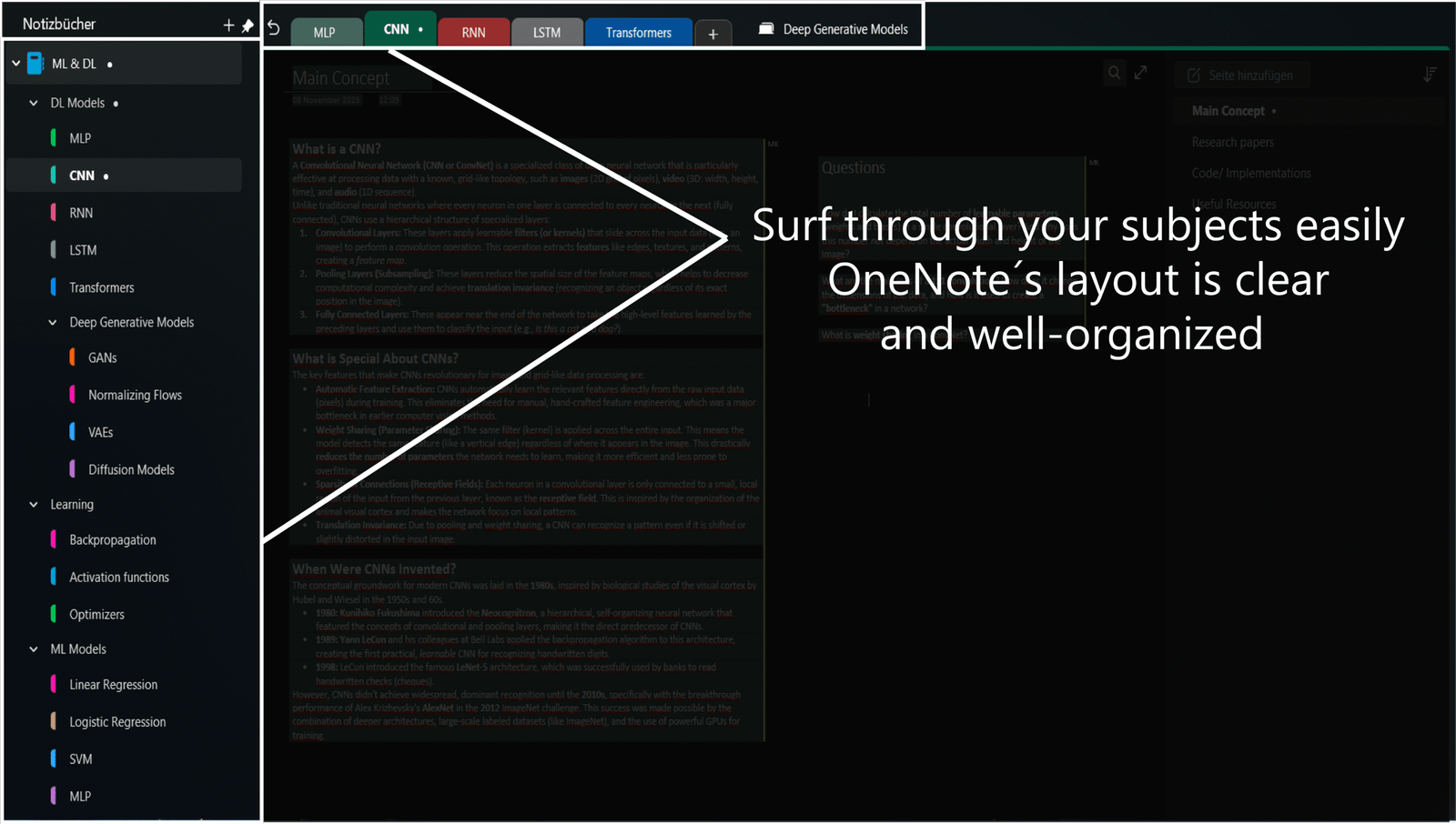
I want to share how I used AI note-taking to manage a challenging subject in my studies, Machine Learning and Deep Learning.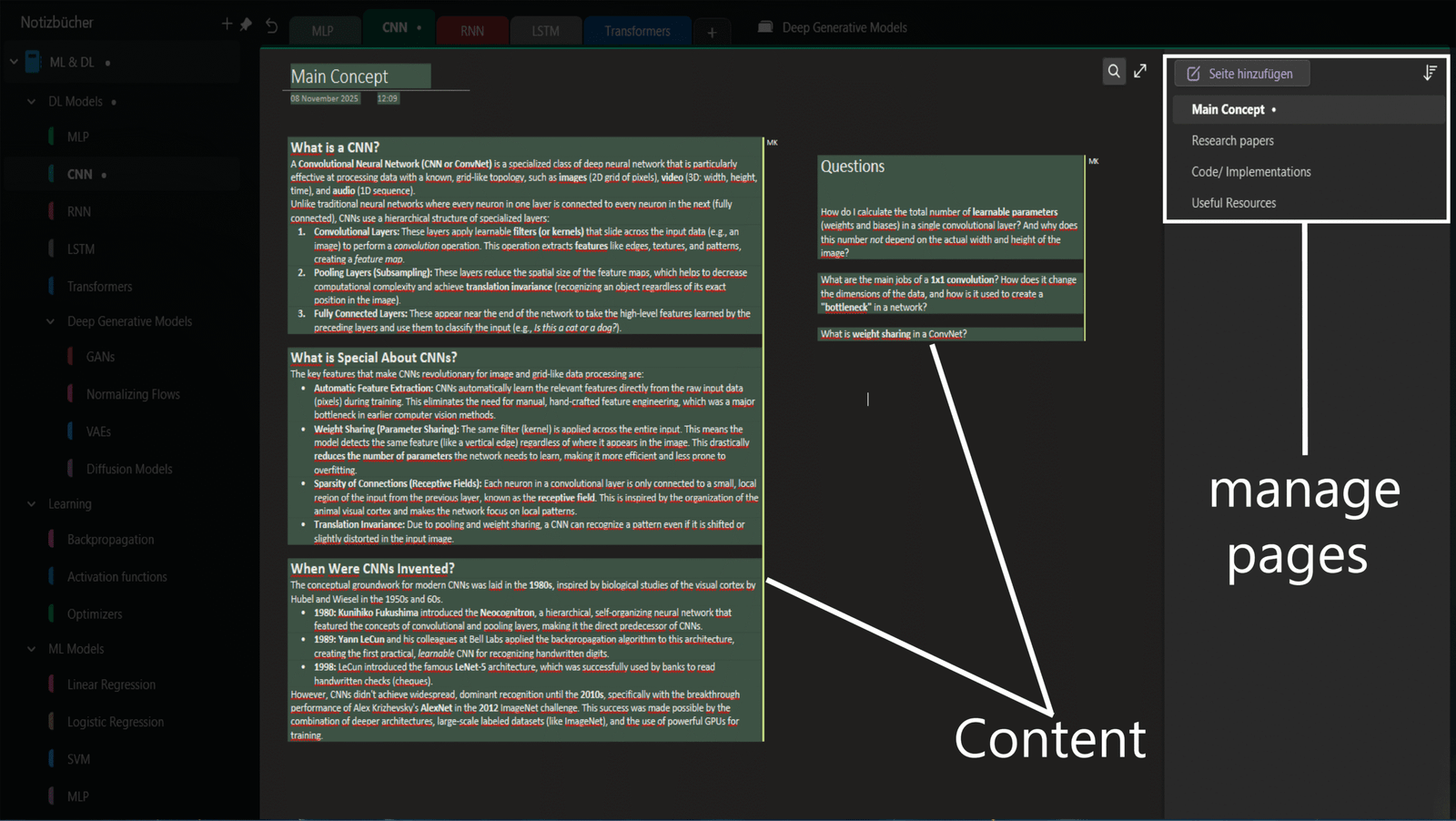
This experience may help you understand just how impactful AI note-taking tools can be, or at least give you a clear idea of how someone can use them effectively in real learning scenarios.
Conclusion
Ultimately, the best AI note-taker is the one that respects your workflow, your privacy, and your words. Always audit privacy policies, integration options, and platform compatibility before entrusting any tool with sensitive conversations.