Being innovative as an engineering student is challenging since it’s too hard to engage in other fields like content creation while suffering from a lack of time, but AI changed the world with its huge capacity of doing several tasks in a very short time. In this blog post, I’ll break down the most effective AI tools I tried myself to create content touching many problems, without losing a lot of time.
-
Koala Chat
This AI tool is specialized in generating high-quality answers and posts for community-driven platforms like Quora and Reddit.
Quora and Reddit are essential in the beginning of audience base creation, and this AI tool has the ability to match the platform tone, such as being informative, helpful, and engaging.
You can easily save time by generating well-structured answers to technical questions, and it boosts credibility as you can consistently share valuable insights.
KoalaChat helps you build a personal brand on Reddit and Quora, where thoughtful answers can gain visibility and reactions.
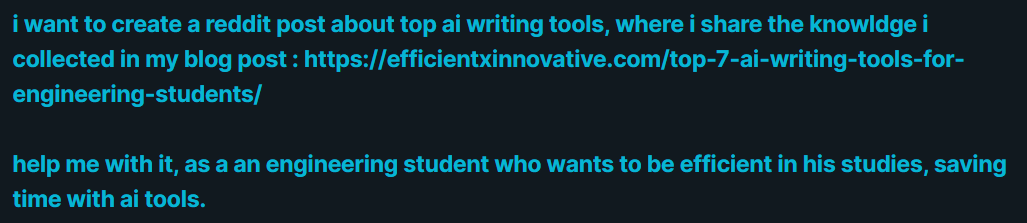
Prompt I used it my self to test the quality of the output from Koala AI. 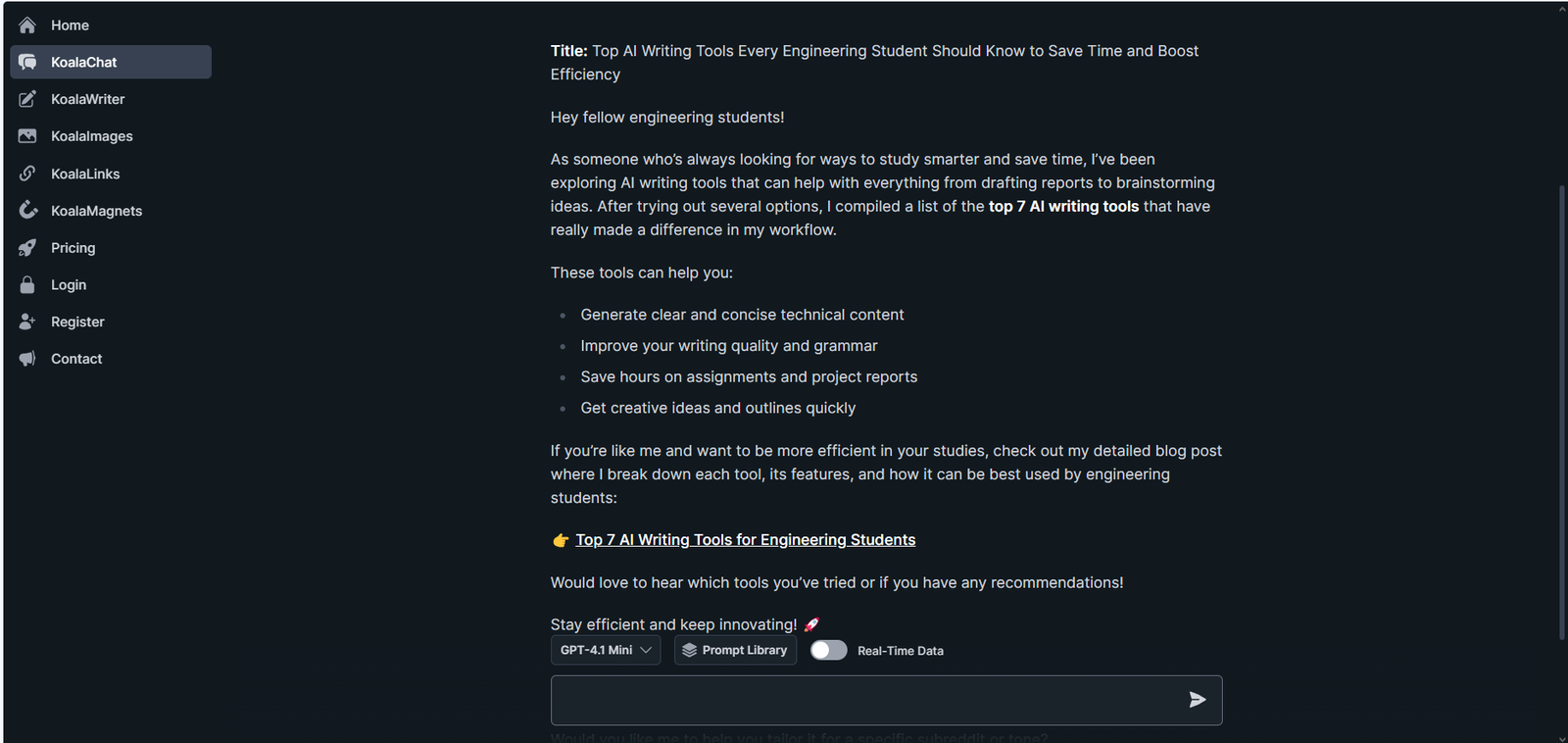
Koala.ai output, shows the quality of its response. -
Typefully
Engaging on LinkedIn and X is very important for professional and educational content. Posting regularly on them must increase your insights with the audience interested in the content you provide.
Typefully is a very useful AI tool that creates posts oriented and tailored for writing, scheduling, and analyzing posts on LinkedIn and Twitter.
It helps with crafting impactful and professional posts. This AI tool contains analytics to show which posts perform best.
Typefully helps you grow your professional presence by sharing your innovations and learnings effectively on LinkedIn and X (positioning yourself as a thought leader in your field).
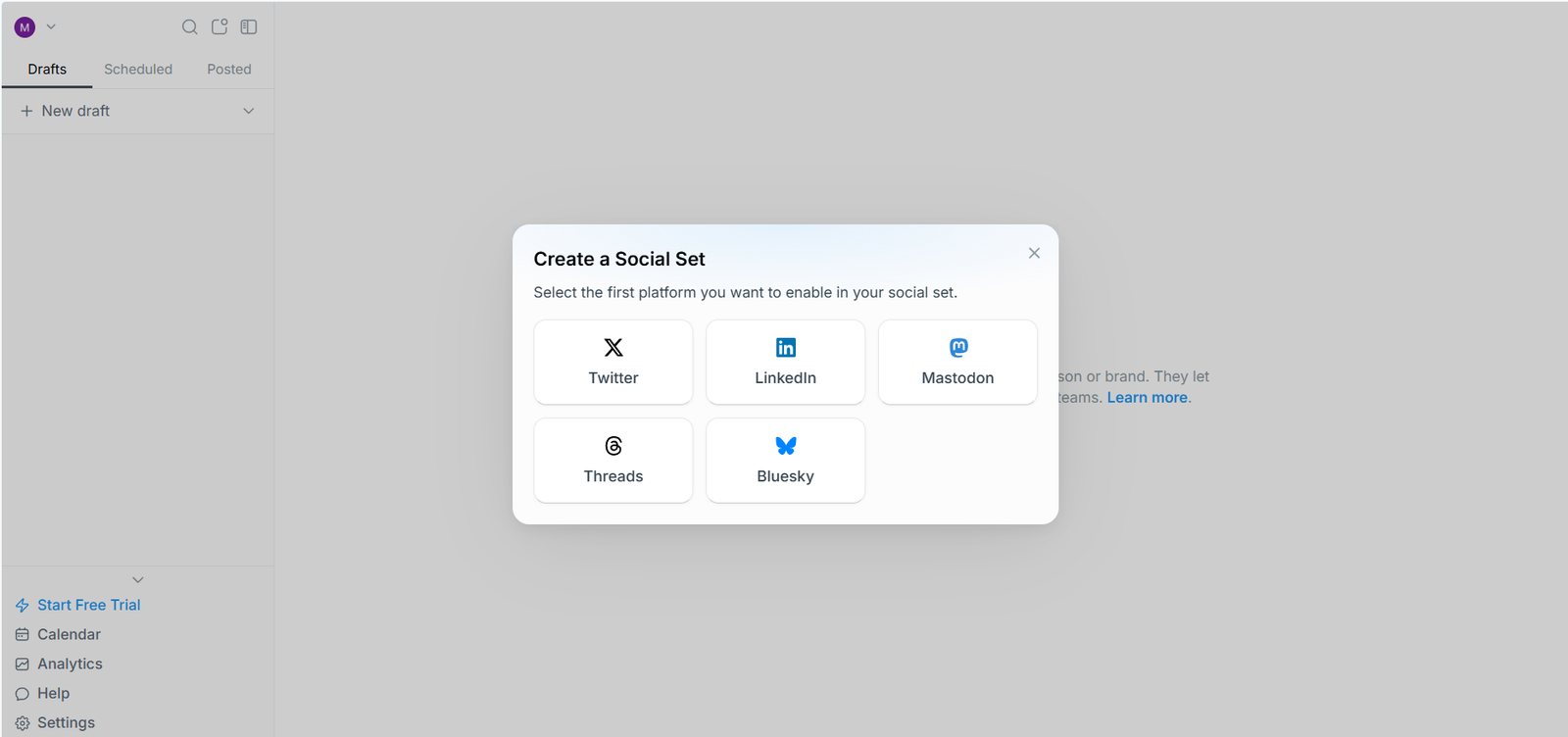
Typefully user interface : ( Focusing on X, linkedin and threads ) -
Quso.ai
If you ever thought that creating videos is tiring, time-consuming, and requires skills, this tool changes the equation. It really creates high-quality reels from any video, analyzing where the valuable parts are and generating short/reel videos with captions. You really need nothing but uploading or creating a video, then it does the rest.
Quso.ai generates fresh ideas for posts and projects, helps with structural and technical writing in very clear ways, and is also great for answering questions on Quora or drafting thought-leadership posts.
Quso.ai best abilities:
- Auto-detect scene breaks using CutMagic
- Identify engaging segments as bite-sized clips
- Remove silence and filler words
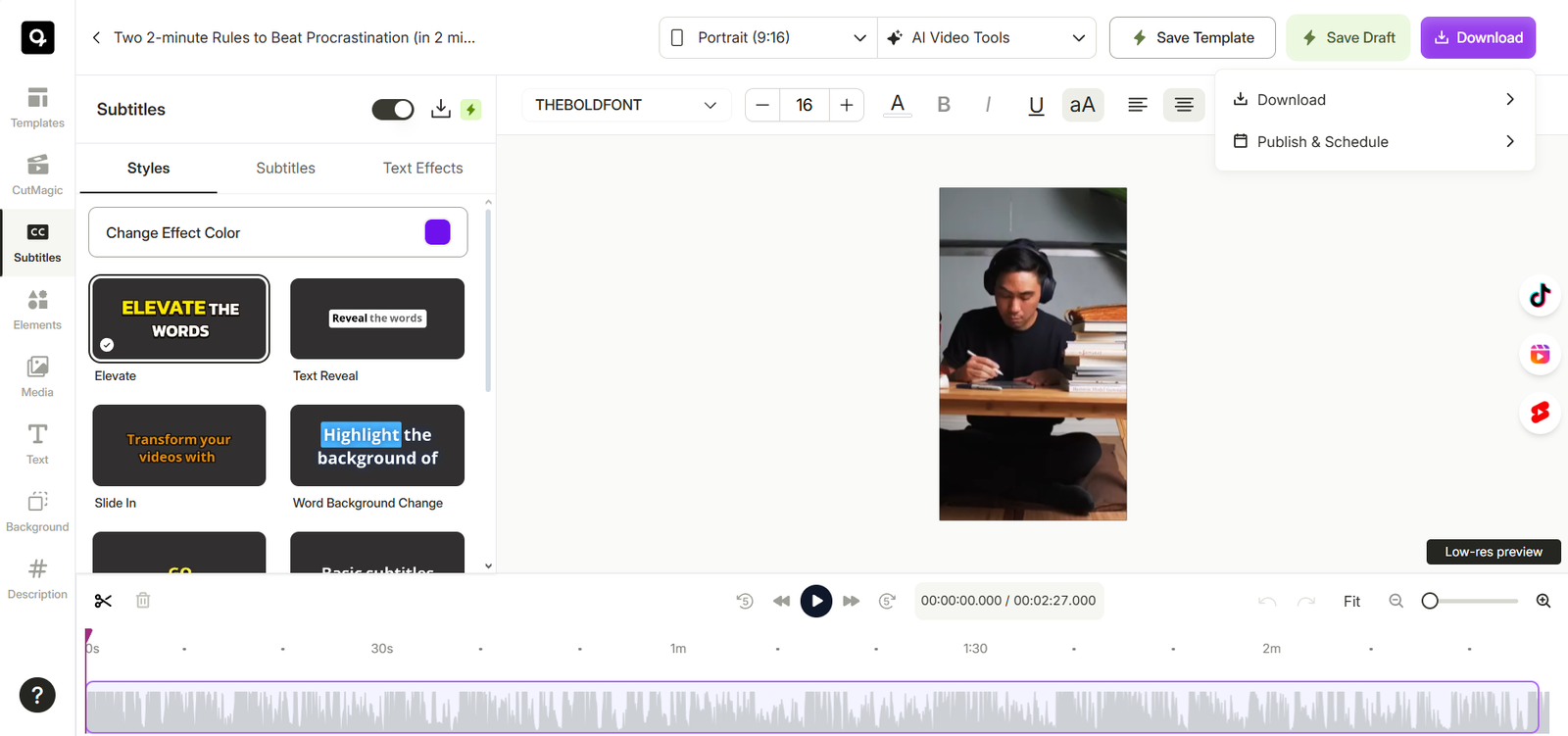
Video editing user interface in Quso.ai 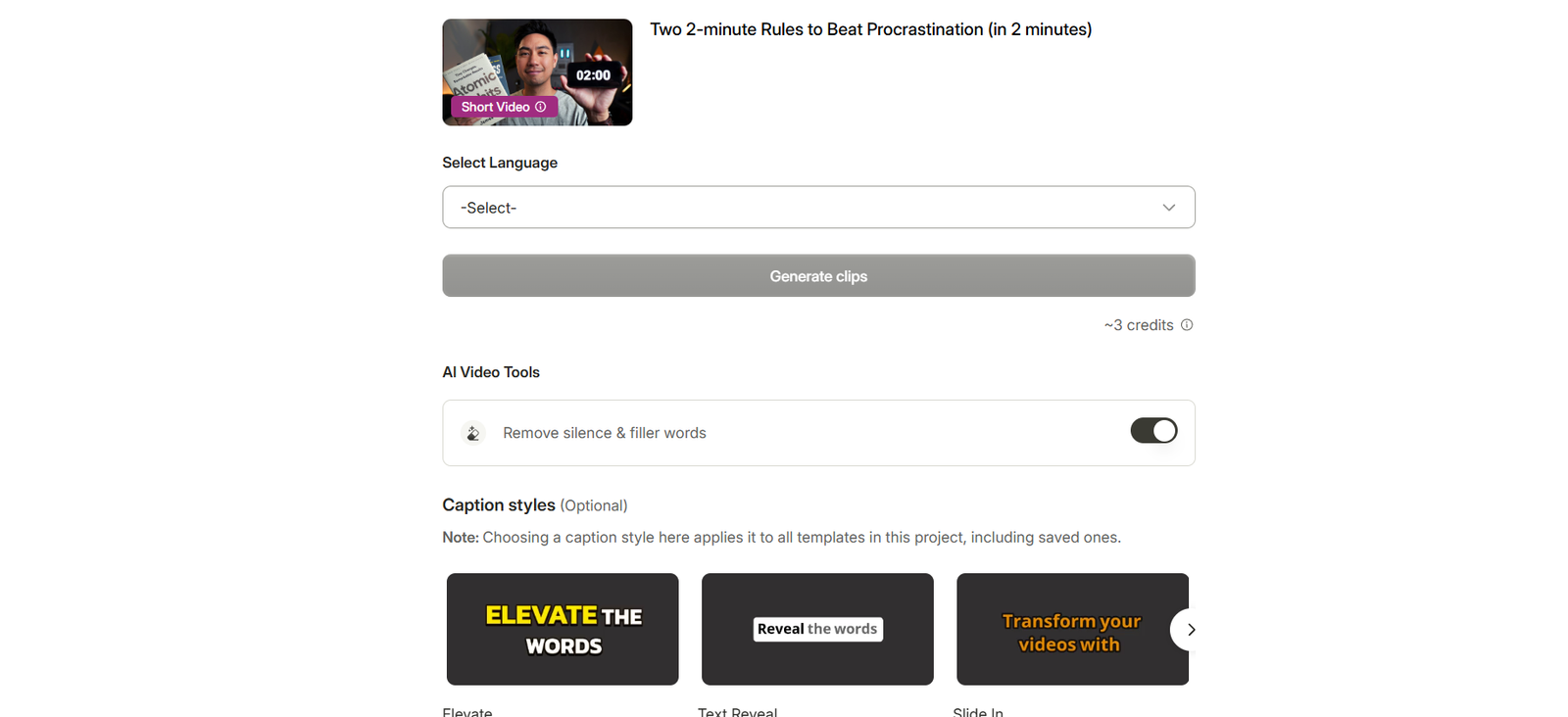
Caption settings and choices in Quso.ai Another suggestion is Pictory.ai, which is an AI video summarization and content repurposing tool. This AI tool uses AI to create short, shareable video clips from long content like lectures, webinars, and presentations. This tool is way more valuable for educational content.
Pictory provides many services: it can automatically extract highlights and key insights, convert written content into video summaries, and is great for repurposing project reports or presentations.
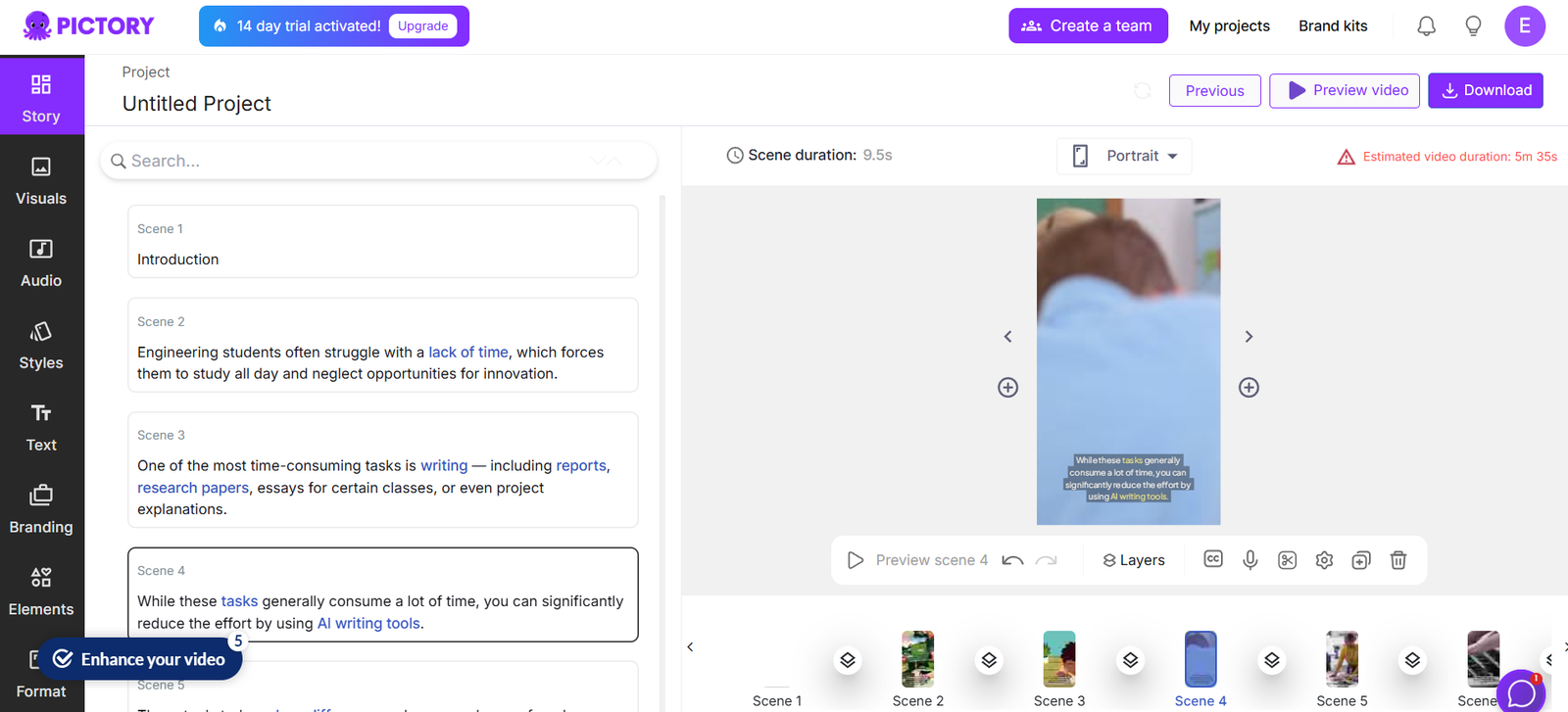
Showing of what does Pictory provides through its UI. ( Auto captions, photo library, Audio, Style ….. ) -
Canva
Canva is a well-known AI graphic design tool. Using it allows you to save a lot of time when posting single image posts, carousels, or stories, thanks to its magnificent templates (many of them completely free to use) and its simple user interface where you can add your own touch to the design if you want.
Canva can also help with creating infographics and diagrams, provide background remover, design suggestions, and instant resizing.
Canva is really perfect for a person with zero graphic design knowledge or even less 🙂
It’s really simple and effective.
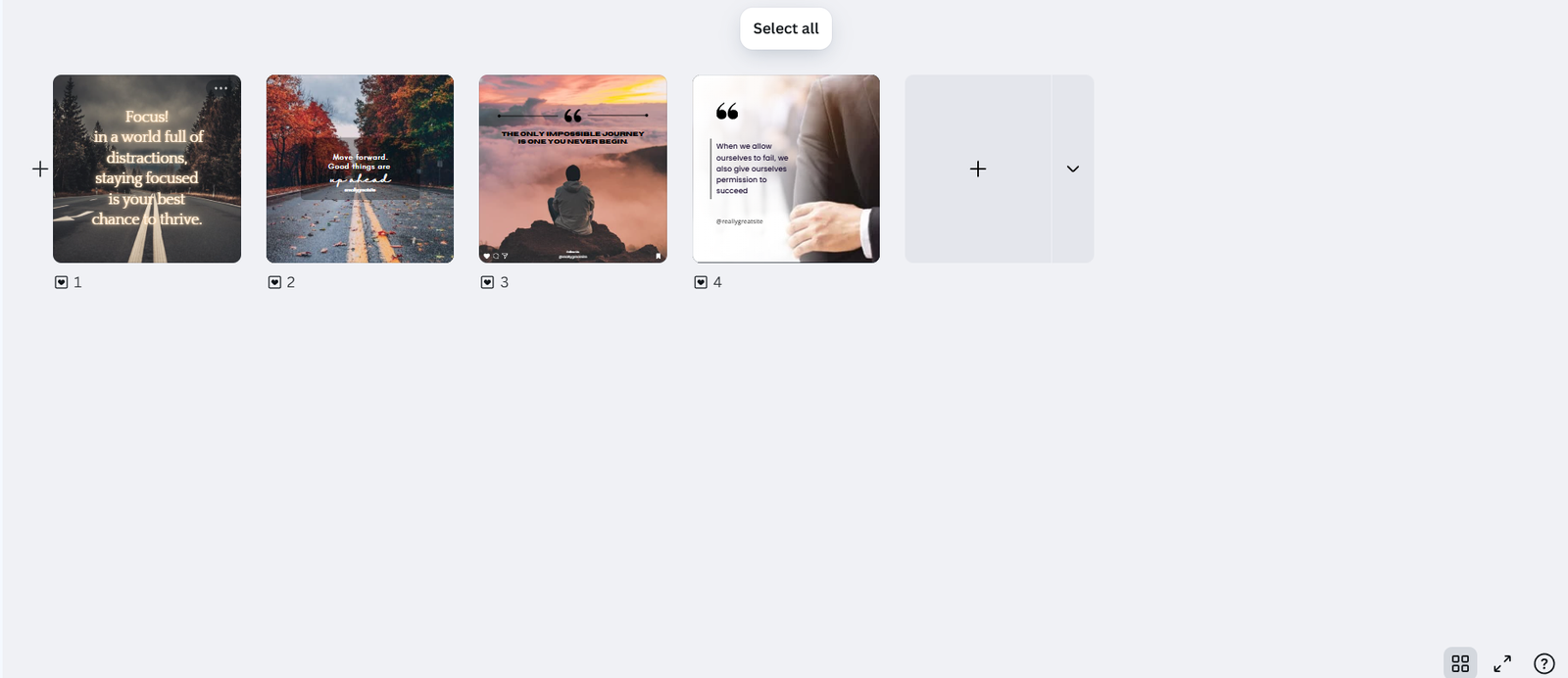
Example of Canva´s template I used them before. 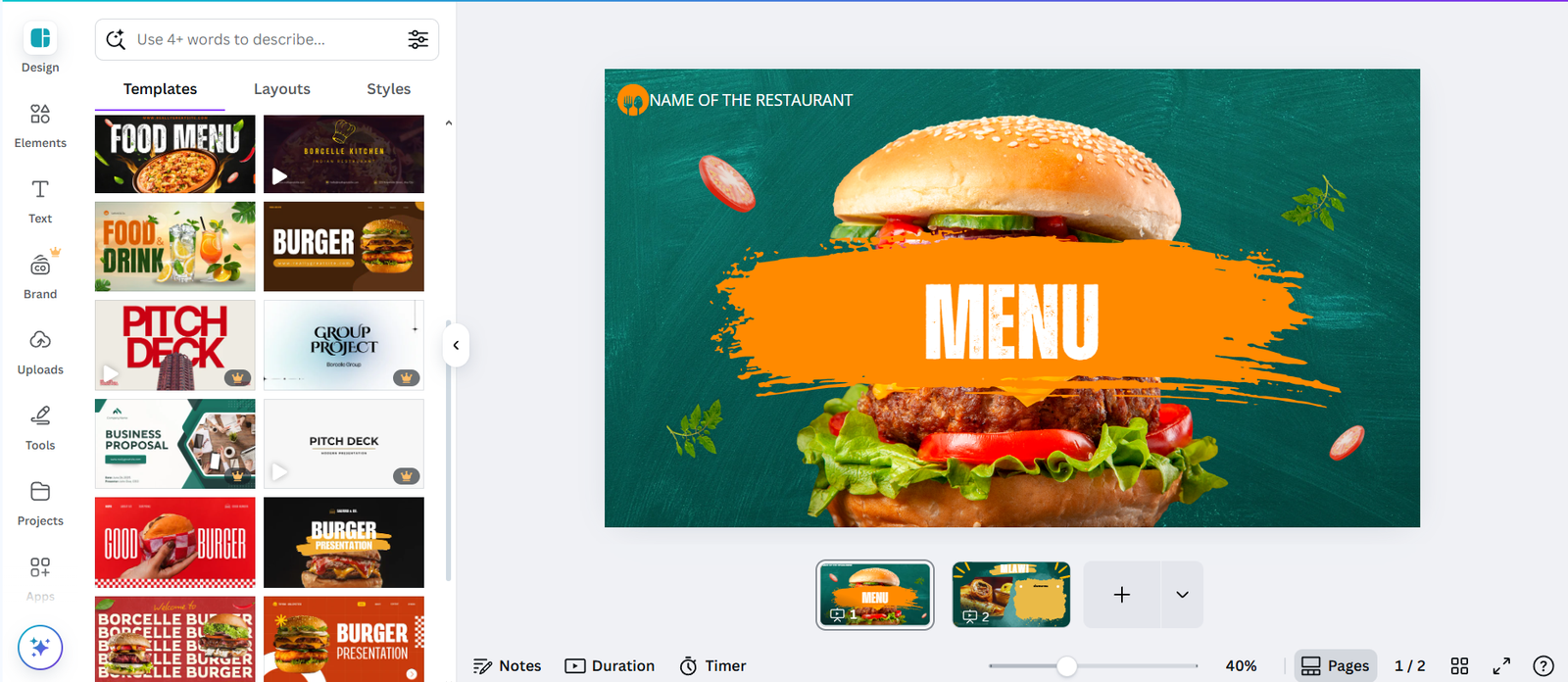
Canva´s user interface, Templates and options ( Texts, Elements … ) -
Invideo.io
Back to video creation, this powerful AI tool, Invideo.io, allows you to turn scripts, ideas, or blogs into professional videos, with any size—whether long YouTube videos or shorts/reels.
The way it works is very innovative. It doesn’t just create AI videos from your ideas but gathers real elements (not generating them) like photos or videos to make your content more realistic, as AI-generated videos or photos sometimes seem dumb or unreal.
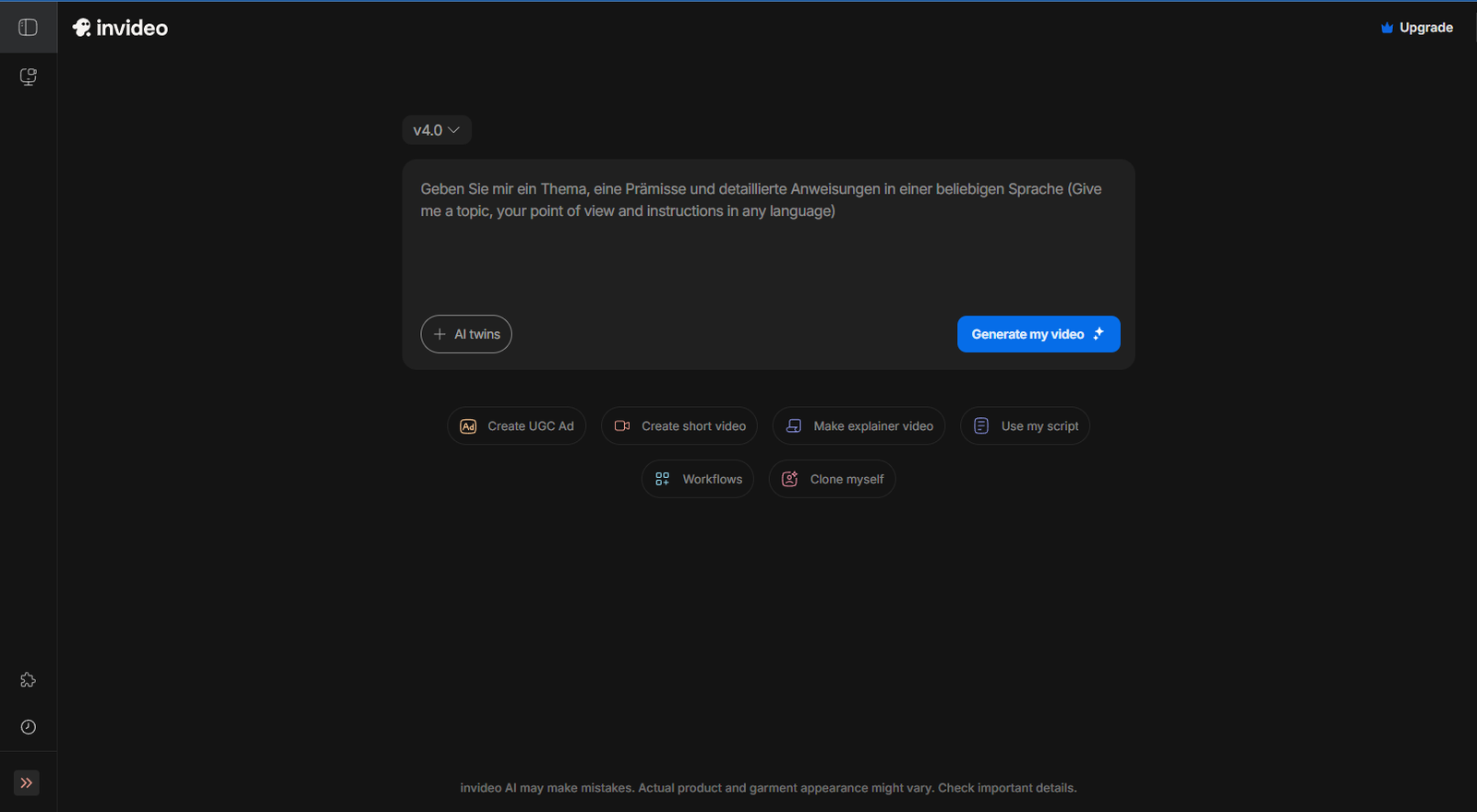
Invideo user interface of AI video production. Invideo.io provides many services:
- AI can convert text into engaging video content with voiceovers
- Library of templates, stock footage, and transitions
This tool is really ideal for creating explainer videos or project showcases with the huge benefit of saving many hours.
-
Buffer AI / Uncanny Automator
After being able to generate ideas, videos, graphic posts, and text posts, the thing we need now is posting.
Posting on TikTok, Instagram, LinkedIn, X, YouTube, and even Quora or Reddit involves a lot of platforms. All of them have benefits and their own style of posts, and using all of them will obviously boost your content—but will consume a lot of time.
Here comes Buffer AI with its ability to schedule, analyze, and optimize media posts from one source. It means you can manage posting from only Buffer, after linking it to all your accounts, where you can manage your posts on all the platforms from there, and you can even schedule them for weeks or months.
Buffer AI helps with automating posting times for maximum reach, and it suggests post ideas to keep your content flow active.
Buffer AI helps you maintain a professional online presence effortlessly, with a huge ability of control and management.
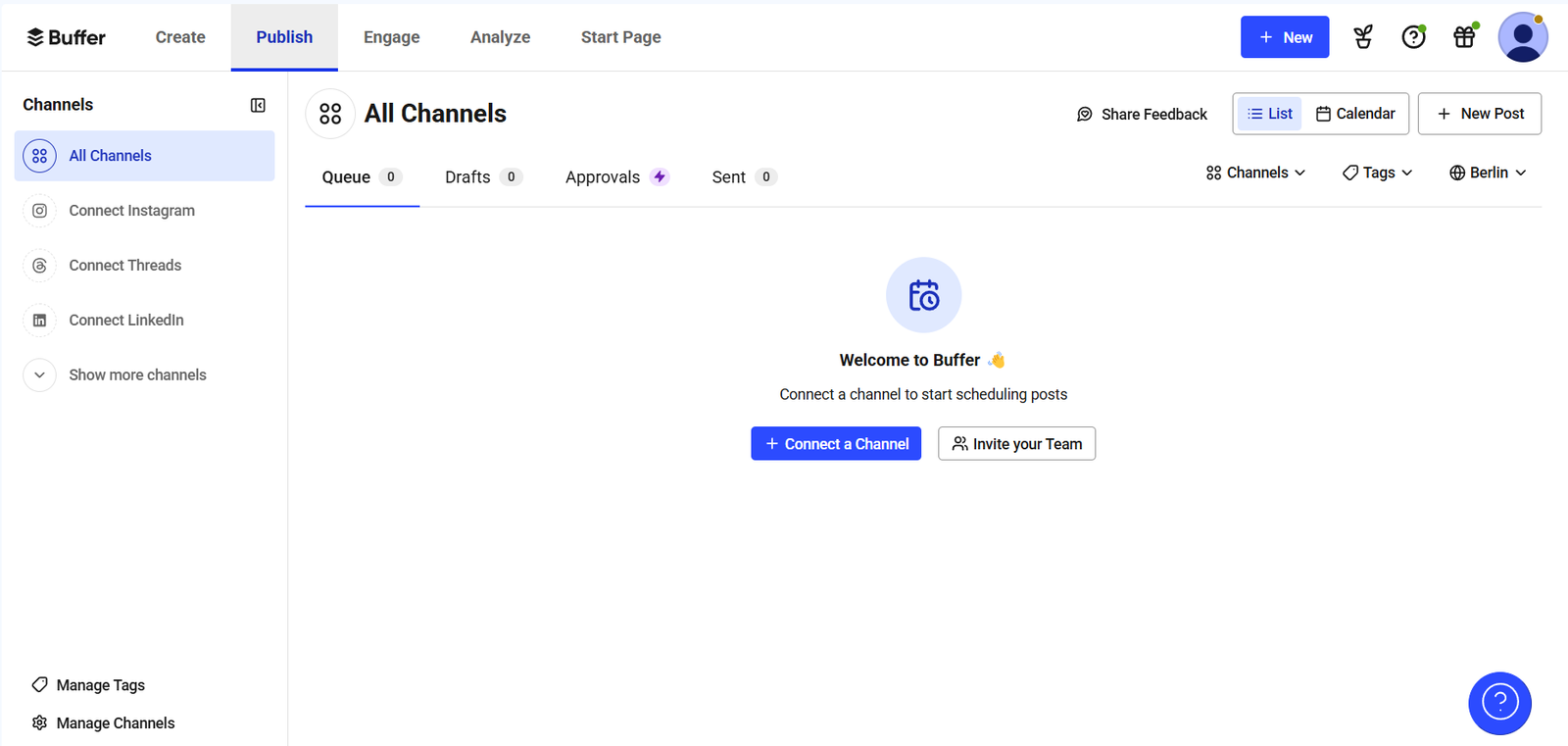
Buffer user interface. For bloggers who want to share their content automatically on social media platforms, if you use WordPress, this plugin must be very useful.
Uncanny Automator is a free plugin that will help you share your blog posts on social media once you publish your post. It’s effective, professional, and a real-time saver.
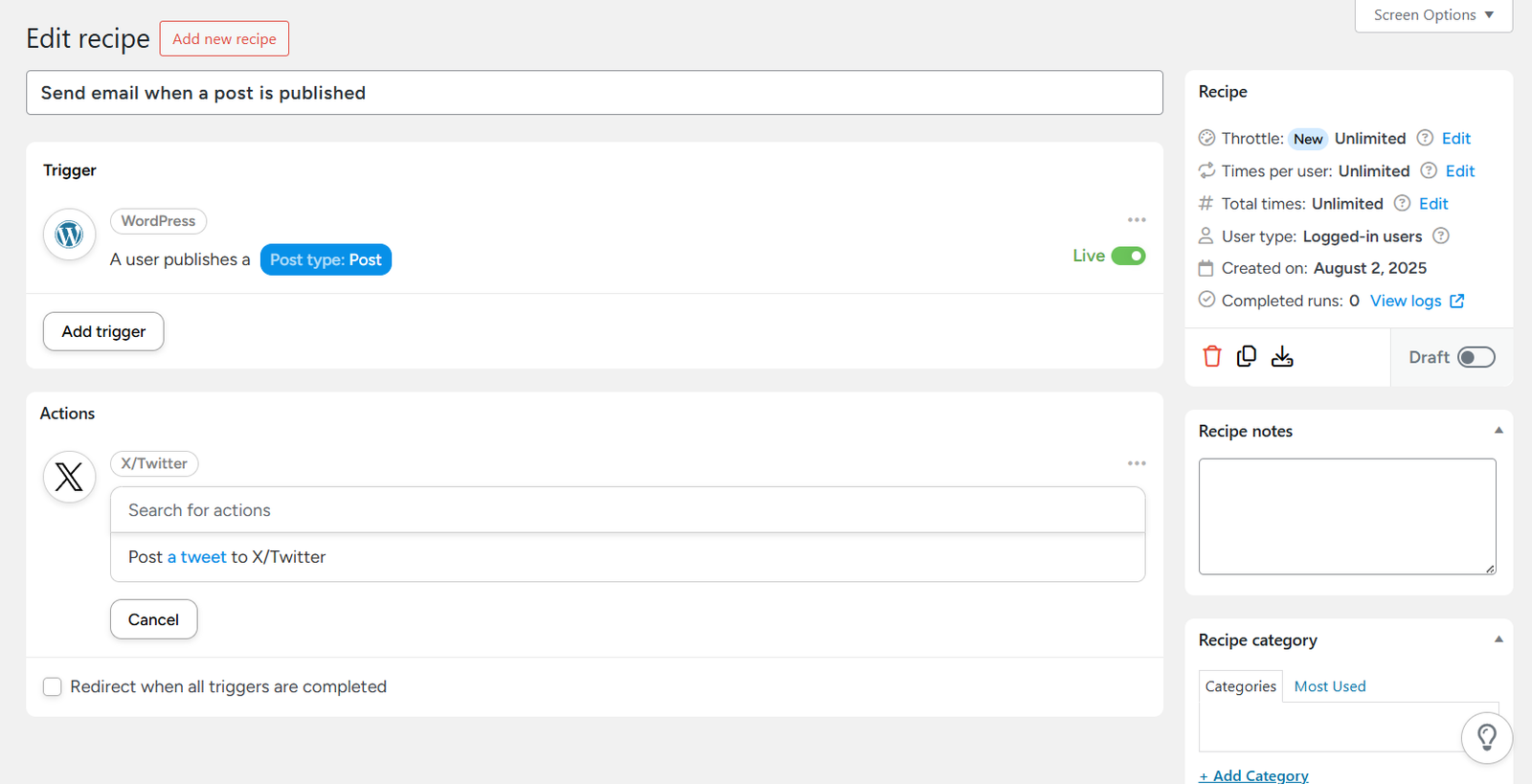
Uncanny user interface inside WordPress.